
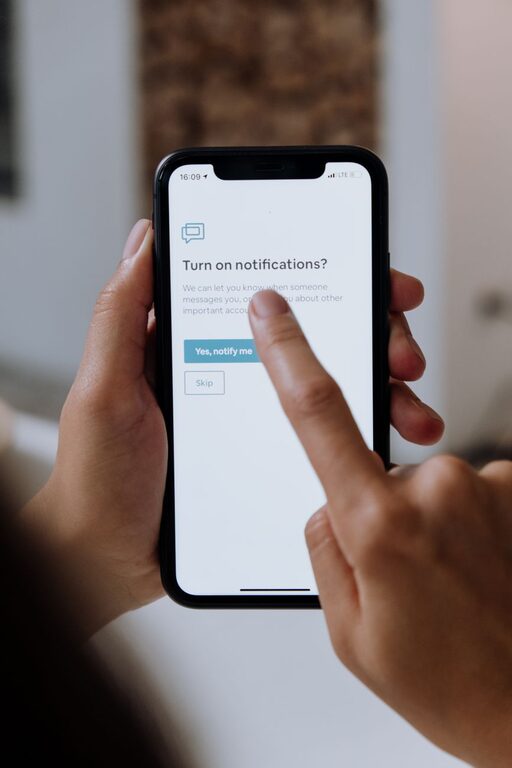
In today’s always-connected world, notifications from phones, computers, and apps can easily overwhelm us and disrupt our focus. While notifications are designed to keep us informed, too many alerts can cause stress and reduce productivity. Setting clear boundaries around when and how you receive notifications can help you regain control over your time and attention.
This article offers practical tips you can apply to manage notifications effectively and maintain a better balance between staying informed and minimizing distractions.
Why Setting Boundaries with Notifications Matters
Notifications are helpful reminders, but constant interruptions can fragment your concentration. Research shows that frequent distractions can increase task completion times and lower work quality. When notifications are poorly managed, they may also interfere with rest and personal time.
By intentionally setting boundaries around notifications, you can:
– Increase focus during work or study
– Improve efficiency and productivity
– Reduce stress from constant alerts
– Enjoy more uninterrupted personal and family time
Assess Your Current Notification Habits
Before setting new boundaries, it helps to understand your current notification landscape.
– Take note of how many notifications you receive daily.
– Identify which apps and services send the most alerts.
– Reflect on how these notifications affect your mood and productivity.
Knowing your habits will guide you in making targeted adjustments.
Tips for Managing Notifications Effectively
1. Customize Notification Settings on Your Devices
Most smartphones and computers allow you to customize notification settings for each app.
– Prioritize Essential Alerts: Enable notifications only for critical apps such as messaging or calendar events.
– Disable Non-Essential Notifications: Turn off alerts from apps that are not time-sensitive, like social media or games.
On iOS and Android devices, explore “Do Not Disturb” modes that can silence notifications during specific times.
2. Set Specific “Notification-Free” Times
Blocking out periods where notifications are paused can help you focus or relax.
– Schedule “do not disturb” hours during your most productive work periods.
– Create quiet hours in the evening to wind down without digital interruptions.
Many apps and devices allow you to automate these times, so you don’t have to remember to enable them.
3. Use Notification Summaries or Batch Alerts
If available, enable features that group notifications into summaries delivered at scheduled times.
– This prevents a constant stream of alerts.
– You can review notifications in batches when it’s convenient.
Some email clients and news apps offer digests that consolidate updates into one notification.
4. Limit Notification Channels
Think about the number of channels through which you receive alerts: phone, email, desktop app, wearable device, etc.
– Simplify by choosing one or two primary methods.
– Disable redundant channels to reduce overload.
For example, if you receive the same notification on your laptop and phone, consider turning off one.
5. Regularly Review and Update Notification Preferences
Apps update frequently and may add new notification options.
– Take time every few weeks to review settings.
– Remove or adjust alerts as your priorities change.
Keeping your preferences up to date ensures your notification system stays relevant and effective.
6. Practice Mindful Notification Checking
Avoid reacting immediately to every ping or alert.
– Set specific times during the day to check notifications.
– Resist the urge to check your device when bored or distracted.
Mindfulness helps you regain control over your attention and reduces stress.
Bonus: Make Use of Productivity Tools
Various apps and tools are designed to help manage notifications and improve focus.
– Use focus apps like Forest or Freedom to block distractions during work.
– Try email management tools that filter and prioritize important messages.
– Explore digital wellbeing features built into your operating system.
These resources can support your notification boundaries and boost overall productivity.
Conclusion
Managing notifications effectively requires intentional effort but offers significant benefits to your focus, productivity, and well-being. By customizing your settings, scheduling notification-free periods, batching alerts, and staying mindful, you can reduce distractions and enjoy more control over your digital life.
Start small by adjusting one or two settings today, and gradually build a notification system that supports your goals and lifestyle. With consistent practice, you’ll find it easier to maintain focus and experience greater peace of mind.
—
We hope these tips help you create healthy boundaries around your notifications. Feel free to share your experiences or additional suggestions in the comments below!